I’ve spent sixteen years walking into kitchens where the first thing I do isn’t looking at the prep stations, but asking to see the fridge temperature log. I’ve seen it all: the pristine, three-inch-thick binders that look beautiful on a shelf but are clearly filled out in a single, frantic burst of ink ten minutes before I arrived. Let’s be honest, most of the advice out there about how food safety records should be kept is designed for people with unlimited office time and zero actual cooking to do. If your paperwork system requires a degree in data entry just to survive a Tuesday lunch rush, it’s not a safety system—it’s a distraction from the food.
I’m not here to give you a lecture on theoretical perfection or to sell you on expensive, over-engineered digital platforms you won’t have time to use. Instead, I’m going to tell you how to build a system that actually works when the service is screaming and you’re down a staff member. We are going to focus on the small, boring, and sustainable habits that actually prove you are in control, ensuring that when I do walk through your door, your records tell the truth about your kitchen.
Table of Contents
The Messy Reality of Digital vs Paper Food Logs
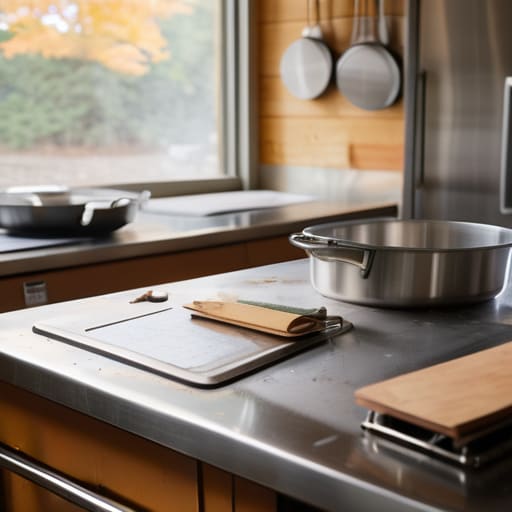
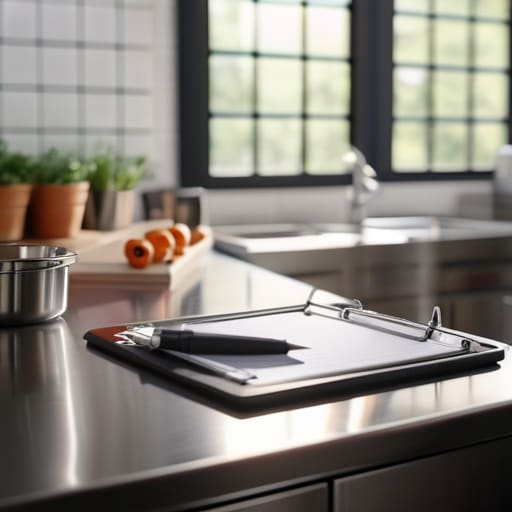
I’ve walked into enough kitchens to know that the “perfect” system usually dies the moment a delivery arrives late or a staff member calls in sick. On one side, you have the traditional paper method: a clipboard hanging on the fridge or a folder tucked near the prep station. It’s tactile, and it doesn’t require a Wi-Fi signal to work, but it’s also a nightmare for food safety audit preparation. I’ve seen binders so thick they look like encyclopedias, only to find they haven’t been touched since the previous term. If the ink is smudged or the pages are damp from a sink splash, you aren’t proving compliance; you’re just creating a mess.
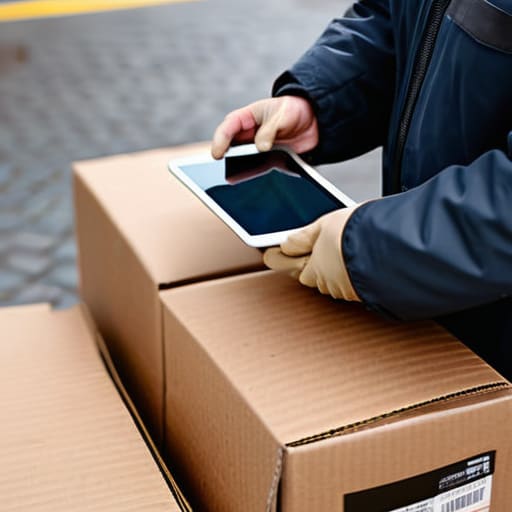
Then there’s the push for digital solutions. I get the appeal—no more lost sheets or illegible handwriting—but we have to be realistic about the learning curve during a rush. If your team is struggling with a tablet while trying to get three hundred lunches out the door, they’ll find ways to bypass the system entirely. When weighing digital vs paper food logs, don’t choose the one that looks best on a spreadsheet; choose the one your team will actually use when they are tired, busy, and under pressure.
Temperature Monitoring Logs That Dont Fail During a Rush
The biggest mistake I see in school kitchens isn’t a lack of effort; it’s a lack of timing. If your temperature monitoring logs are sitting on a clipboard in the office, they are useless. To actually manage risk, those logs need to be physically present where the action is—taped to the fridge door or kept right next to the probe. If a staff member has to walk across a busy kitchen to find a pen and a sheet of paper while they’re trying to get lunch out for two hundred kids, they simply won’t do it. They’ll wait until the end of the shift, try to remember what the temperature was at 10:00 AM, and start guessing. That is exactly how you fail an inspection.
Instead of aiming for a perfect system, aim for a sustainable one. This means integrating checks into your existing sanitation standard operating procedures so they feel like part of the workflow rather than an extra chore. Whether you are using a tablet or a simple printed sheet, the goal is the same: capture the data at the moment of contact. When I walk into a kitchen and see a log that is filled out in real-time, even if the handwriting is a bit messy, I know that the team actually understands the science behind the numbers.
Five Ways to Make Your Records Actually Work for You
- Stop the “End of Shift” Lie. If you’re waiting until the kitchen is quiet at 2:00 PM to fill in the morning’s temperature logs, you aren’t recording data; you’re writing fiction. I’ve seen enough “perfect” logs that were clearly filled in all at once to know when they’re fake, and a fake log is a massive liability when something actually goes wrong.
- Prioritise the “High-Risk” Paperwork. You don’t need a mountain of files, but you do need your allergen matrix and your cooling logs to be bulletproof. If you’re short-staffed, I’d much rather see a single, well-maintained folder for allergens than a massive binder of cleaning schedules that no one has looked at in six months.
- Make the Correction Visible. Mistakes happen—a fridge temp spikes, or a delivery arrives at the wrong temperature. Don’t try to scribble over it or hide it. Write down what happened, what you did to fix it (like moving the stock to the walk-in), and sign it. To me, a corrected error shows a controlled kitchen; a “perfect” log with no errors looks like a cover-up.
- Use Visual Cues for the Team. If your staff is rotating or you’re working with agency cover, they shouldn’t have to hunt for a pen or a specific clipboard. Colour-code your logs—red for high-risk temperature checks, blue for cleaning—so even in the middle of a lunch rush, they know exactly which sheet needs their attention.
- The “Three-Second Rule” for Accessibility. If it takes more than three seconds to find the record you need, it’s in the wrong place. Keep your daily logs exactly where the work happens—on the fridge, by the prep station, or at the point of delivery. If I have to walk into your office to see if you’ve checked your chicken, you’ve already lost the battle with your workflow.
The Bottom Line: What Actually Matters When the Rush Hits
Stop chasing a perfect, aesthetic binder; if your temperature logs aren’t being filled out while the food is actually in the fridge, the paperwork is just a lie you’re telling yourself.
Choose the system that fits your busiest hour, not your quietest—if your staff can’t manage a digital tablet with greasy hands, stick to a clipboard that’s actually within arm’s reach.
Focus your energy on the “high-risk” entries—allergens and core temperatures—rather than sweating over every minor detail that doesn’t actually prevent a foodborne illness.
Frequently Asked Questions
If I’m short-staffed on a Tuesday morning, which specific records can I realistically deprioritise without leaving the kitchen wide open to a major risk?
Look, if you’re drowning on a Tuesday, don’t touch your allergen matrix or your cook-to-core temperature logs. Those are your non-negotiables; if those fail, you’re looking at a life-threatening incident or a closure. You can push back on deep-cleaning schedules or the more tedious, non-critical administrative filing that isn’t tied to immediate biological risk. Just don’t mistake “busy” for “safe.” Keep the core temperature and allergen data tight, and deal with the rest later.
How do I prove to an inspector that my digital logs are actually being done in real-time and aren't just being "filled in" at the end of a shift?
Look, I’ve seen it a hundred times: a pristine digital log that looks like it was completed in one five-minute burst at 4:00 PM. To prove you’re actually doing the work, lean into the metadata. Most decent digital systems timestamp every entry. If I see a temperature recorded at 11:15 AM, 1:05 PM, and 2:30 PM, I know you’re walking the line. If they’re all within sixty seconds of each other? That’s a red flag I won’t ignore.
What’s the best way to handle a gap in my records—like if a fridge thermometer fails or a staff member forgets a log—without it looking like I'm hiding something?
Look, I’ve seen a dozen “perfect” logs that were clearly faked at the end of a shift, and frankly, I trust a messy, honest one more. If you miss a reading or a thermometer dies, don’t white-out the gap or pretend it happened. Write down exactly what happened: “Fridge probe failed at 11:00, manual check taken at 11:15, temp was 4°C.” Document the corrective action. That shows me you’re actually managing the risk, not just ticking boxes.